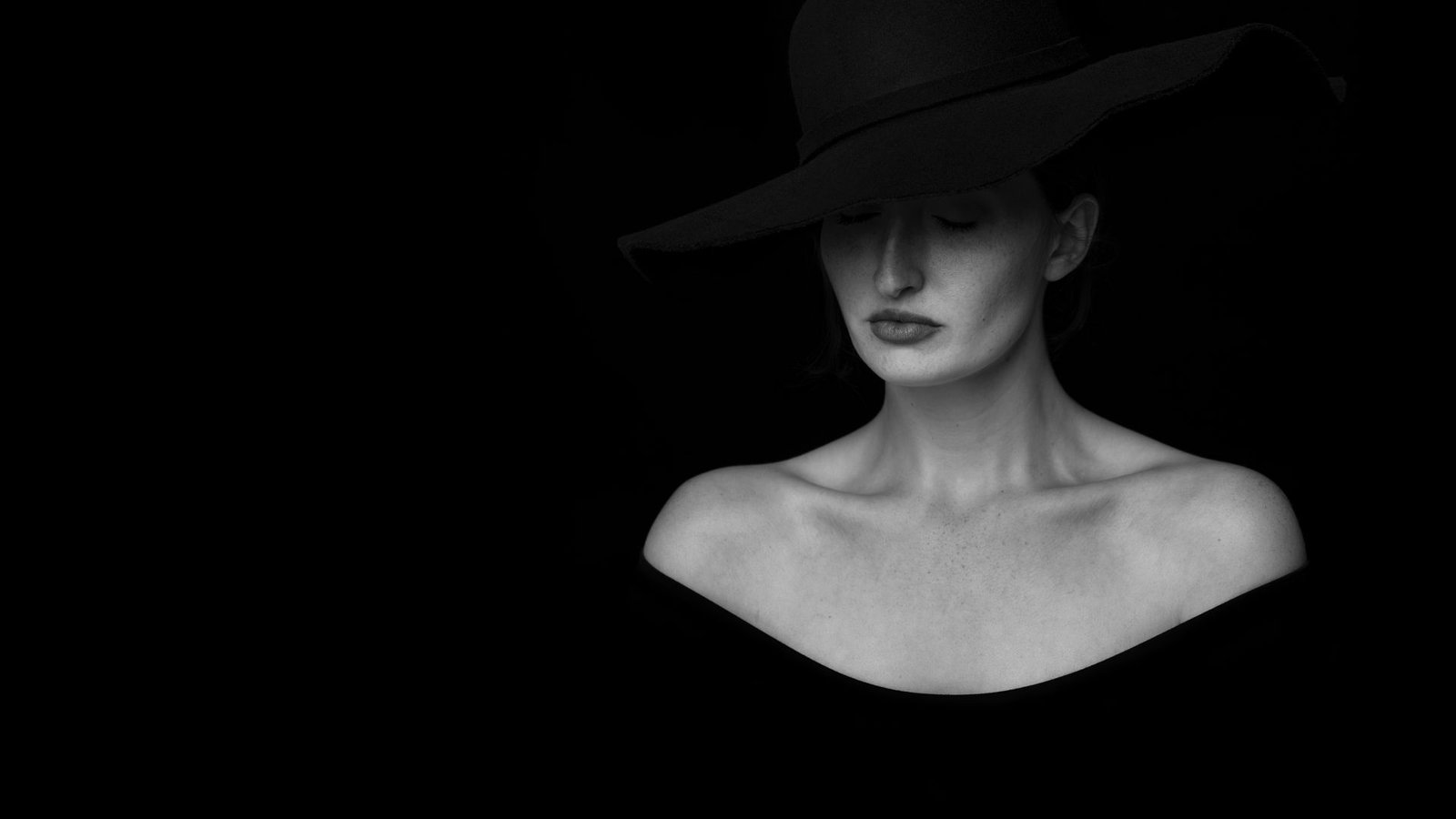
When it comes to color grade, I used to think it was the most unnecessary part of the process. I never used at first when I was starting into editing, I thought that going for lightning correction and white balance I was breaking it and I did not need anything else.
But Color grading is one of the most important parts of the creative process of visual storytelling, it makes an image stand out even more because it unlocks personality into whatever you are doing, it give you the possibility of giving you personal touch to your project.
Breaking Down Color Grading: Step-by-Step Guide
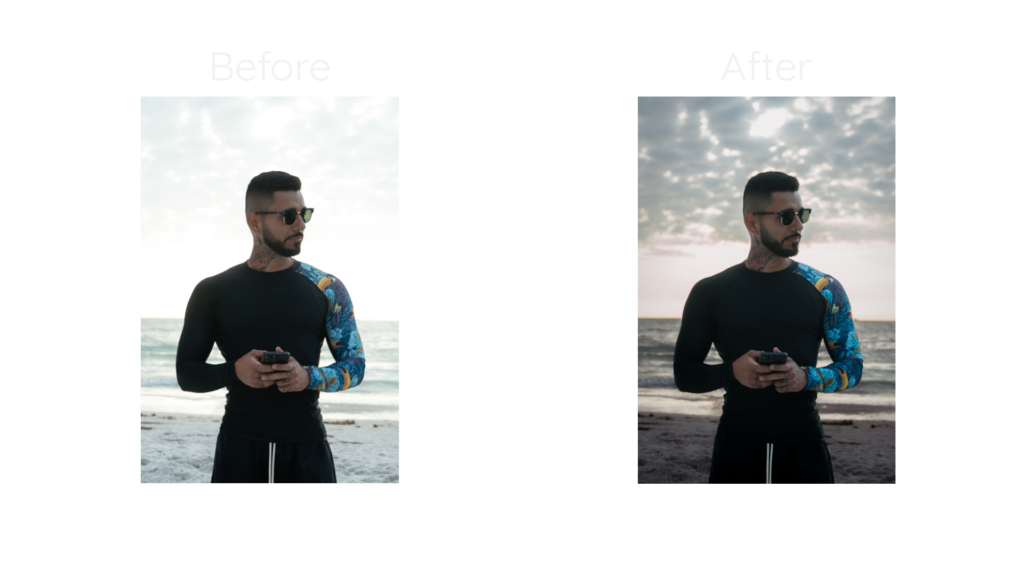
Color grading isn’t just about making an image look good. It’s about enhancing the mood, tone, and overall impact of your visuals for a more compelling image to look at. Whether you’re working on photography or videography, the process follows a similar structure, Here’s how it works:
- Start with color correction
Before diving into creative grading, you need a clean base to work with.
- Adjust Exposure, contrast, and white balance to ensure accurate colors
- Fix any color casts that may have been caused by different lighting conditions
- In video, this step is crucial for achieving consistency across different shots
2. Set the Mood with a color Palette
Once the image is neutral, you can define the look you want.
- Choose a color scheme that aligns with the story or emotion you’re conveying. Let’s set the vibes you wanna give.
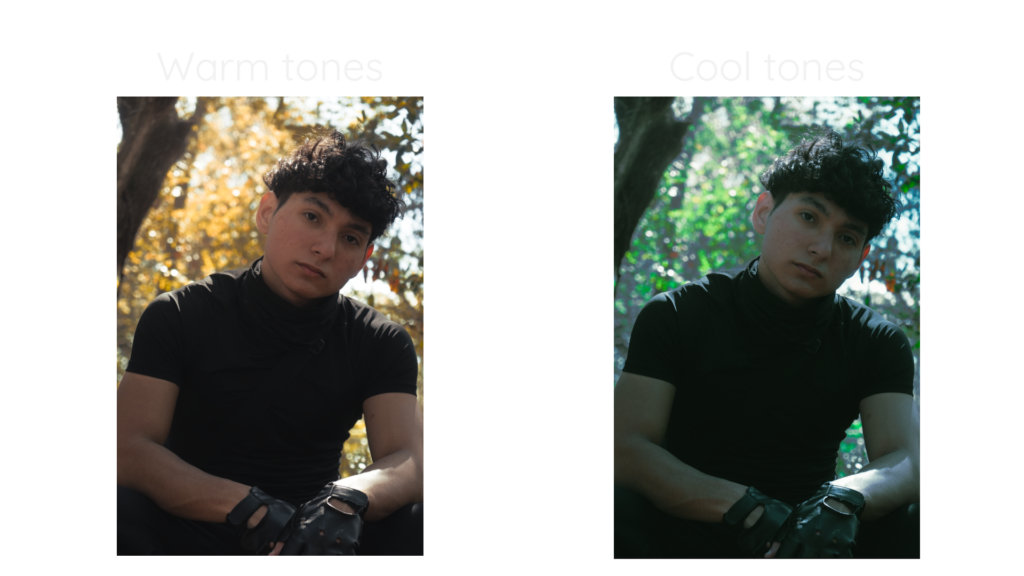
- There is a way to guide you when doing color grading for giving an specific mood:
- Warm tones: Usually evoke nostalgia or energy
- Cool tones: Give a sense of calm, mystery, or drama
3. Color wheels: Shadows, Midtones, and Highlights
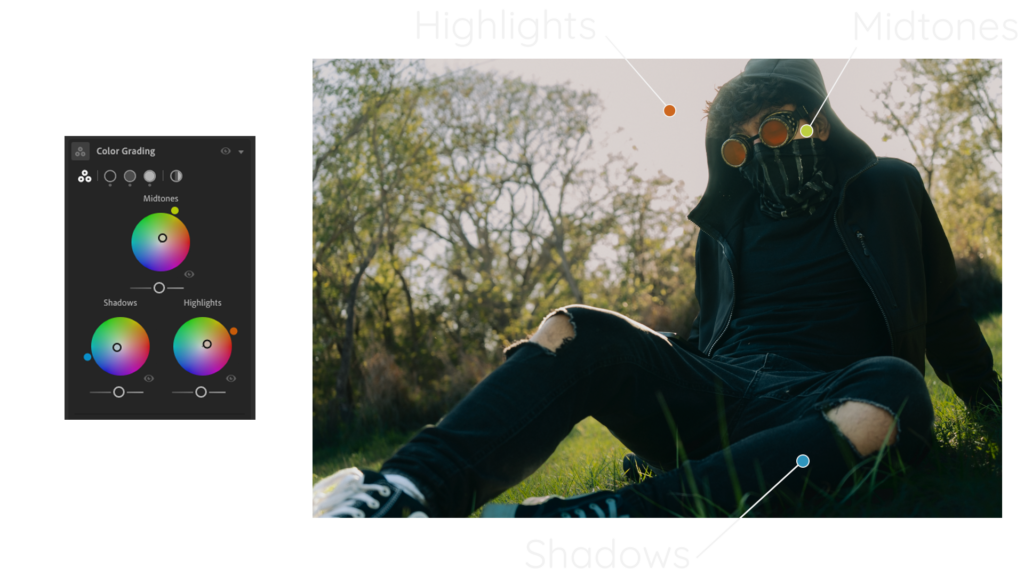
When color grading by using the color wheels, you’ll have three ways to target a specific area of you image. You can target the shadows of your image which are the darkest areas, then you can adjust the midtones which are the middle tones in your image and finally you can touch the highlights which are the brightest areas on your image.
- Shadows: Give depth to the image by adding cool or warm tones
- Midtones: Enhance skin tones and overall color balance
- Highlights: Add brightness and contrast for a polished look
Don’t be scared of color grading
Color grading is a powerful way to enhance the look of your images, but it’s more than that. It’s a tool that sets your work apart and helps you develop your own unique style. To make your photos truly reflect your personality, start experimenting. In the end, trial and error is what will help you improve.

